What you write
Recovery codes — email
7Q1M-45ZD-0032 · 84A2-99XK-2210
Passport (IT) YB4412903 · expires 03/2031
Wi-Fi (home) tramonto-sul-garda-2024
IBAN backup IT60 X054 2811 1010 0000 0123 456
Encrypted-document vault · free alpha
Encriva keeps the sensitive plain text of your life — recovery codes, document numbers, the notes you'd rather not leave lying around — in one place. Every document is encrypted in your browser before it leaves your device. The server only ever stores the sealed result.
Free while Encriva is in alpha. All you need is an email address.
Live, not an illustration
While the page loaded, your browser ran AES-256-GCM on the sample below with WebCrypto — the same way the app seals a document. The demo runs entirely on your device; nothing is sent anywhere.
Recovery codes — email 7Q1M-45ZD-0032 · 84A2-99XK-2210 Passport (IT) YB4412903 · expires 03/2031 Wi-Fi (home) tramonto-sul-garda-2024 IBAN backup IT60 X054 2811 1010 0000 0123 456
BbdwHJdbEx2y/ZIXFH0AlBfeYpzG2u8N1oDiYCBCPncb
cOSTj0i3QzK8AZj4PRu5uNEcYCYcxvhfQAad9/0Xbbu4
5/S0Ut3tu70Xj66Ajv+mjmKcCGKu8XGQKwouxpnbVDs9
jp0g9w2Hiauxodb0+P5j7lJ8qIxoQoekuzNsewyZAHcZ
RfzptRHx5JbnVew5IdCKnOYreYcaihNNJC1agdyOl/u/
O69uP6tWLa8u2tB5OOsCKOb5Zy3IhgyNB6Pg+bmU93yg
2w==
A new random key and IV every time — the same document never produces the same ciphertext twice.
A note from the maker
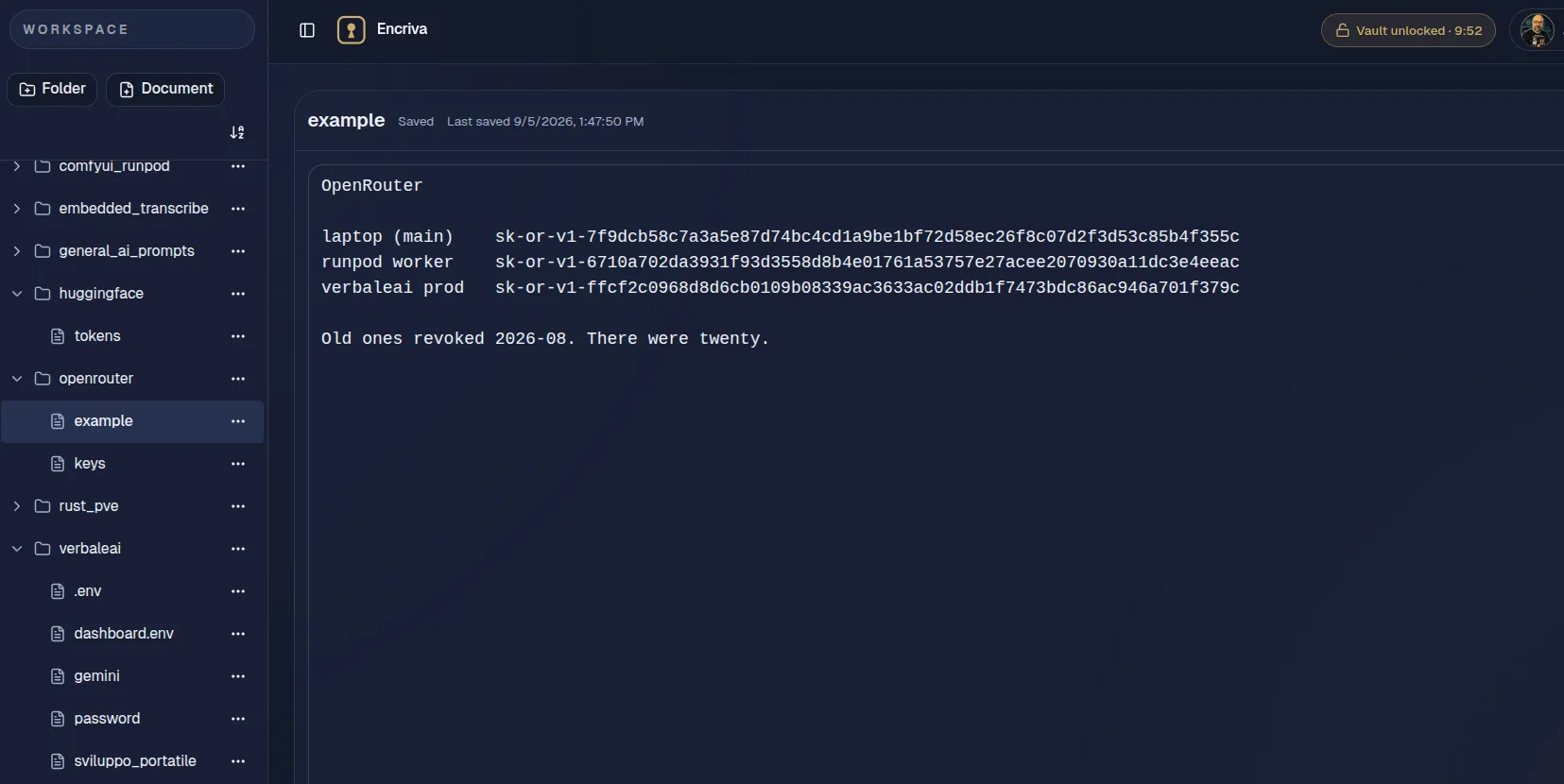
Several machines, a dozen projects, and every one of them wants an API key, a .env, an SSH config. I kept forgetting which
machine held which — and ended up minting twenty Hugging Face and OpenRouter tokens I never needed. This is the vault I use now: a folder
per project, a document per secret, sealed before it leaves the browser.
No fine print
So the habit is simple: put the sensitive part in the document, never in its title.
The key hierarchy
The Vault Password is separate from your login. Argon2id — deliberately slow and 256 MiB memory-hard — turns it into a
wrapping key, entirely in your browser.
A random 256-bit data key does the actual encrypting. It travels only sealed inside an AES-256-GCM envelope closed by your
wrapping key — the server stores the envelope and cannot open it.
Each document body is encrypted before upload. The unlocked key is non-extractable, lives only in memory, and the vault locks
itself after 10 minutes.
AES-256-GCM (WebCrypto) · Argon2id · non-extractable keys · auto-lock 10 min · no trackers · no third-party requests